
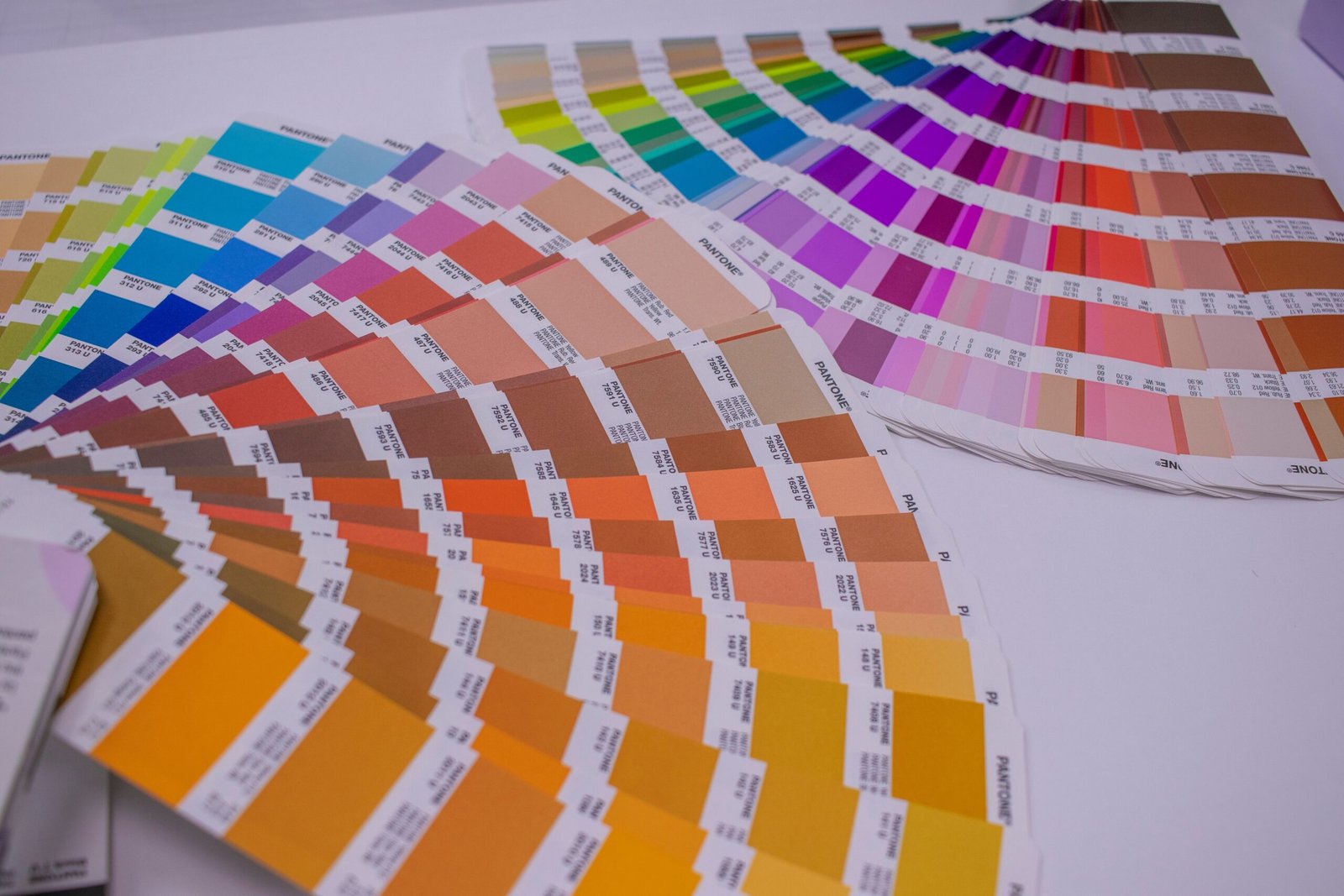
Debunking Widespread False Printing “Pro Tips” Circulated Among Design Educators

Numerous misleading printing heuristics are frequently delivered to graphic design students within university print training environments. While these widely shared prep suggestions appear reasonable at a glance, they consistently trigger defective printed outputs, excessive paper consumption, heightened ink waste and costly rework orders. This guide breaks down the most persistent printing fallacies, alongside industry-standard correct operational workflows backed by Enlite’s professional printing ink and color management technical expertise.
Myth 1: Transparent PNGs Prevent Unwanted White Base Output on CMYK Printers
Many design instructors recommend transparent PNG files as a universal fix to eliminate solid white backgrounds for CMYK printing projects. Though PNG’s lossless compression delivers appealing visual performance for designers, this format carries critical hidden defects for industrial prepress and imposition workflows.
When imported into layout software, RIP systems and imposition tools, specific transparent PNG variants automatically generate concealed black matte layers beneath core artwork. These invisible black layers contaminate final color rendering, produce muddy background tones and create unnecessary printing ink waste. For stable CMYK prepress processing, properly masked TIFF files or layered PDF documents serve as far more reliable alternatives, as recommended by Enlite’s print technology team.
Factory Direct Solution • Wide-Format 700ml + Chip
Looking for Reliable T50M Series (700ml) — Enlite 700ml T50M Pigment Ink Cartridge with Smart Chip?
100% OEM-compatible for Epson SureColor SC-T3700D / SC-T5700D / SC-T7700D. Explore our Wide-Format Inkjet Cartridges catalog for wholesale pricing.
Myth 2: White Text Over a Solid White PDF Canvas Will Render Visibly on CMYK Printing Equipment
This outdated piece of misinformation remains prevalent among design trainees. Countless PDF submissions feature white typography laid over a fully blank white canvas, under the assumption that pale letterforms will display clearly after CMYK printing.
Standard CMYK printing ink formulas contain no white pigment component; white areas on finished prints rely entirely on the natural tone of blank paper stock showing through unprinted zones. Without a contrasting dark base layer placed underneath white text elements, all lettering will remain completely invisible on finished output, resulting in full reprint cycles and avoidable ink expenditure.
Myth 3: All Photographic Assets Require Mandatory CMYK Conversion for Inkjet Printing
A pervasive classroom guideline claims every photographic file must undergo full CMYK color space conversion, even for wide-format inkjet printers engineered with extended RGB gamut functionality.
Modern professional inkjet hardware supports expanded RGB color spaces capable of generating richer, more saturated tones than restricted CMYK profiles. For photo-centric print jobs operated on RGB-native printing devices, forced CMYK conversion compresses color saturation and dulls intricate image details. Enlite’s high-gamut ink series is engineered to unlock the complete color spectrum of RGB wide-format equipment without mandatory CMYK color shifts.
Myth 4: Double Pass Printing Resolves Green-Tinted Gray Shades on Buff or Sand-Colored Paper
Large-format booklet projects printed on warm buff-toned paper stock frequently encounter consistent green color distortion across neutral gray areas, following unsuccessful test runs at external print facilities. A widely taught workaround proposed by design educators involves labor-intensive double-print production: all black and gray graphical elements are printed first, paper substrates are reloaded into printing hardware, and full-color ink layers are overlaid on top of existing prints.
This redundant two-stage printing method doubles total ink consumption, extends overall production lead times, and fails to address the fundamental root of color distortion. Warm-hued paper stock alters the visual balance of neutral gray tones via its inherent base pigment; the accurate corrective measure relies on custom ICC color profiling matched to the specific paper medium. Customized media profiles neutralize unwanted green color shifts within a single printing pass, balancing gray rendering while conserving Enlite printing ink and raw printing media.
Myth 5: Insufficient Brown Pigment Deposition From Printers Causes Dull Earth Tones in Photographs
Educators occasionally attribute washed-out brown tones within student photographic prints to hardware limitations that restrict brown ink pigment output. Source file review reveals the core issue originates from severe white balance calibration errors embedded within original raw photography files, rather than underperforming printing machinery.
Unbalanced white balance skews warm color channels long before files are transmitted to printing equipment. Adjusting white balance parameters within image editing software delivers natural, lifelike brown hues with zero additional production costs, representing a far more effective solution than modifying printer ink density or hardware settings mid-run.
Myth 6: 300 PPI Source Files Produce Inaccurate Color Output and Shrunk Final Prints
A popular classroom assertion mandates exclusive use of 400 PPI source imagery, supported by two entirely unsubstantiated claims: 300 PPI assets generate inconsistent color rendering, and low pixel density data forces printing hardware to reduce finished artwork dimensions.
This claim contradicts universal commercial printing industry standards. 300 PPI remains the globally accepted benchmark for sharp, precise full-color commercial printing at 1:1 output scale. Print file pixel resolution holds no correlation with color rendering accuracy; consistent color performance is determined by ink purity, ICC media profiling and standardized color mode configuration—key performance advantages delivered by Enlite premium printing inks. Printing hardware strictly adheres to document dimension specifications regardless of source image pixel density and will not automatically compress artwork sourced at 300 PPI.
Myth 7: Low-Resolution Images Can Be Freely Upscaled in Photoshop for Large-Format Output
While minor scaling adjustments for source images are acceptable for small decorative graphics, blanket guidance encouraging over 10x magnification of heavily pixelated artwork for wide-format banners and poster production circulates widely in design training environments.
Stretching low-resolution source files to full 1-meter-wide print dimensions creates heavy visual blurring, jagged edge artifacts and muddy color blending. High-quality printing ink cannot compensate for fundamental low pixel density flaws; designers must source native high-resolution assets for all large-format printing projects to maintain crisp, professional visual results.
Critical Legal Prepress Note: Full-Scale Color Reproduction of Currency Banknotes Is Prohibited
Print service providers regularly receive student requests for full-color, true-to-size reproductions of USD and EUR banknotes under the premise of artistic fine art creation.
Duplicating physical currency notes with matching dimensions and full-color pigment reproduction violates global anti-counterfeiting regulatory standards across nearly all regions. Such print orders cannot be fulfilled by print labs, and design practitioners are advised to develop alternative artistic concepts compliant with international currency reproduction laws.
Professional Industry Conclusion From Enlite Print Technology Specialists
The majority of print production defects derive from outdated classroom prepress guidance, rather than faulty printing machinery or substandard ink supplies. Mastery of standardized file formatting, precise color profiling, universal resolution benchmarks and media-matching workflows eliminates nearly all common print failures, reduces ink and paper waste, and accelerates overall production turnaround times.
Print shops and design departments facing recurring issues with color shifting, blurred output or excessive material waste can drastically upgrade finished print consistency by adopting high-purity, stable Enlite printing inks alongside standardized prepress operating protocols. Enlite’s technical support team provides custom color management and file setup consultation tailored to sublimation, inkjet and CMYK printing hardware systems.
Factory Direct B2B Supply • Wide-Format & Commercial Inkjet Consumables
Browse All 21 Factory SKUs →Recommended Compatible Consumables & Replacement Parts
T50M Series (700ml)Wide-Format 700ml + Chip
Enlite 700ml T50M Pigment Ink Cartridge with Smart Chip
Compatible Models: Epson SureColor SC-T3700D / SC-T5700D / SC-T7700D
View Technical Specs →Factory Direct
T858 Series (C13T858100)1100ml BK / 700ml CMY
Enlite High-Capacity T8581–T8584 Enterprise Pigment Ink Cartridges
Compatible Models: Epson WorkForce Enterprise WF-C20590 / WF-C20590 D4TWF
View Technical Specs →Factory Direct
T13L1–T13L4 (20K Yield)20,000-Page RIPS Ink Pack
Enlite High-Yield T13L RIPS Pigment Ink Bag with Stable Chip
Compatible Models: Epson WorkForce Pro EM-C8100RDWF / EM-C8101RDWF / EP-C8100
View Technical Specs →Factory Direct
OEM/ODM Desktop SeriesCustom Private Label & Bulk MOQ
Enlite Premium Compatible Desktop & Office Ink Cartridges Series
Compatible Models: Epson / Canon / HP / Brother Desktop & Commercial Inkjet Printers
View Technical Specs →Factory Direct
Explore Related Product Categories:Wide-Format Inkjet Cartridges →Office RIPS Ink Packs & Cartridges →Industrial Ink Solutions →
Technical & Wholesale Procurement FAQs
Q: How does ink formulation affect banding in wide-format and high-speed printing?
Consistent nano-pigment particle size (<100nm) and controlled surface tension in Enlite T50M (700ml) and T858 (1100ml) cartridges prevent nozzle starvation and meniscus failure during long continuous banner or CAD runs.
Q: Can Enlite customize compatible ink cartridges under our distributor brand (OEM/ODM)?
Yes. Zhuhai Enlite Technology provides full OEM/ODM customization including private-label box design, custom label printing, and tailored chip coding for regional distributors worldwide.
Q: How quickly can wholesale orders be dispatched from the Enlite factory?
Standard models (T50M, T13L, T11P, C9345, T6714, DTF inks) are maintained in ready stock for dispatch within 3–5 business days, with bulk OEM orders delivered in 7–12 business days.
Need Bulk Pricing, Custom OEM Packaging, or Model Matching?
Direct from Zhuhai Enlite Factory — ISO9001/ISO14001 certified consumables with 100% tested smart chips.