
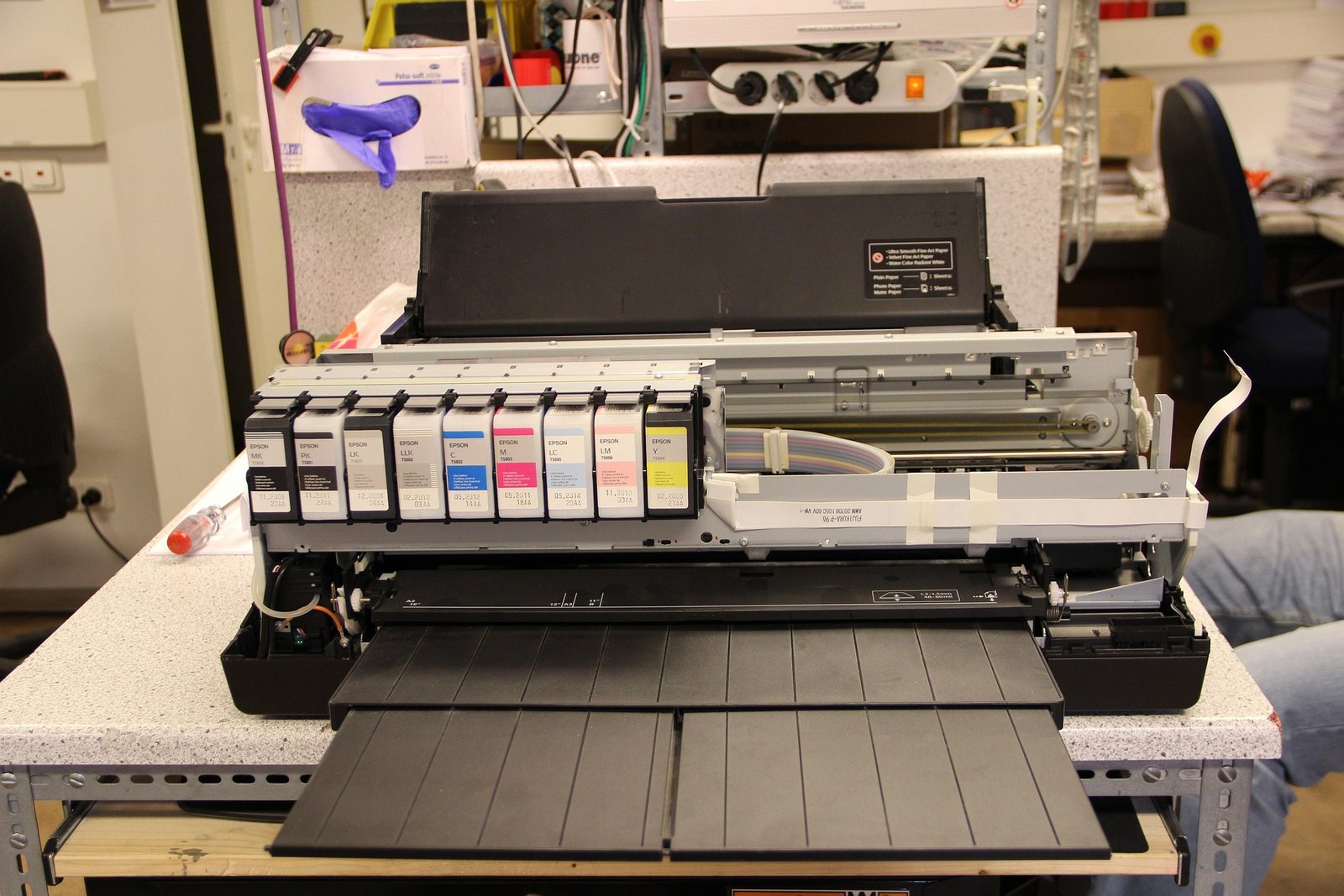
Common Printhead Quality Issues and Professional Fixes | Enlite Official Guide

Published: May 26, 2026
Printheads are the core of every inkjet and wide‑format printer. When quality drops, your entire production suffers: streaks, missing lines, color shifts, banding, and nozzles failing to fire. These issues directly waste ink, media, and labor.
This guide covers the most common printhead quality problems, their real causes, and actionable fixes from a professional printing consumables manufacturer perspective.
Factory Direct Solution • 228ml BK / 145ml CMY Pack
Looking for Reliable T11N1–T11N4 (Standard) — Enlite Standard-Capacity T11N RIPS Pigment Ink Pack Cartridges?
100% OEM-compatible for Epson WorkForce Pro EP-C800RDW / EM-C800RDWF Series. Explore our Office RIPS Ink Packs & Cartridges catalog for wholesale pricing.
Top Common Printhead Quality Issues
1. Banding, Streaks, or Horizontal Lines
Broken or uneven ink output caused by clogged nozzles, air bubbles, or unstable ink flow.
2. Missing Nozzles or Faded Patches
Ink has dried inside the printhead, blocking micro‑nozzles from firing correctly.
3. Color Inconsistency or Shifting
Misalignment, poor ink compatibility, or uneven curing leading to off‑color output.
4. Ink Bleeding, Smearing, or Pooling
Over‑inked output, slow drying, or low‑quality ink that fails to adhere properly.
5. Printhead Not Recognized / Error Codes
Dirty chip contacts, incompatible cartridges, or damaged electronic connections.
6. Frequent Clogging After Idle Time
Ink dries quickly due to poor formulation, high temperature, or low humidity.
Professional Causes Behind Printhead Failures
- Low‑quality or incompatible ink with unstable viscosity
- Ink drying out from infrequent printing
- Dust, debris, or paper lint entering the printhead zone
- Incorrect storage of ink cartridges or printheads
- Damaged or dirty gold contact chips
- Air bubbles in the ink supply system
- Extreme temperature or humidity in the workspace
Step-by-Step Fixes for Printhead Quality Issues
1. Clean Printheads Regularly
- Run automatic nozzle checks and cleaning cycles
- Use a lint-free cloth and distilled water to gently clean nozzle plates
- Avoid scrubbing or pressing too hard
2. Use Stable, High-Quality Ink
Low-grade ink is the #1 cause of premature printhead damage.
Always use tested, compatible ink with consistent formulation.
3. Remove Air Bubbles
- Prime the ink system properly after cartridge replacement
- Ensure cartridges are firmly seated and sealed
4. Clean Chip Contacts
Gently wipe the gold chips on cartridges and printhead with a clean, dry cloth.
5. Maintain Stable Workspace Environment
Keep temperature 20–28°C and humidity 40–60% to prevent ink drying.
6. Print Regularly
Print a test page at least once per week to keep ink flowing and nozzles clear.
7. Replace Worn or Damaged Printheads
Permanent printheads wear out over time. Replace when no amount of cleaning restores quality.
Pro Tips to Extend Printhead Lifespan
✅ Use only premium compatible ink cartridges
✅ Store ink in cool, dark, dry conditions
✅ Keep the printer covered to avoid dust
✅ Perform light maintenance monthly
✅ Avoid leaving the printer idle for long periods
Enlite Professional Insight
As a trusted manufacturer of high-performance ink cartridges, sublimation ink, UV ink, and wide‑format consumables, we know:
Printhead health depends 80% on ink quality.
Stable ink formulation prevents clogging, ensures smooth flow, preserves nozzles, and delivers consistent color day after day.
Final Thoughts
Most printhead quality issues are avoidable with proper maintenance and high-quality consumables. Fixing clogs, stabilizing ink flow, and protecting printheads will drastically reduce downtime, reprints, and costs.
Keep your printheads healthy — and your business profitable.
Factory Direct B2B Supply • Printhead Recovery, Pigment Ink Stability & RIPS Packs
Browse All 21 Factory SKUs →Recommended Compatible Consumables & Replacement Parts
T11N1–T11N4 (Standard)228ml BK / 145ml CMY Pack
Enlite Standard-Capacity T11N RIPS Pigment Ink Pack Cartridges
Compatible Models: Epson WorkForce Pro EP-C800RDW / EM-C800RDWF Series
View Technical Specs →Factory Direct
T11P1–T11P4 (XXL)50K BK / 20K CMY Yield
Enlite Extra-High-Capacity T11P RIPS Pigment Ink Packs (1070ml BK)
Compatible Models: Epson WorkForce Pro EM-C800RDWF / EP-C800RDW Series
View Technical Specs →Factory Direct
T05A1–T05A4 (C13T05A100)20K pages Plug-&-Play Pack
Enlite T05A High-Yield RIPS Compatible Ink Bag Supply Unit
Compatible Models: Epson WorkForce Pro WF-C878R / WF-C879R / WF-C878RA / WF-C879RA
View Technical Specs →Factory Direct
RESETTER-WF-PROInstant Chip Recovery Tool
Enlite Smart Ink Cartridge & Maintenance Chip Resetter
Compatible Models: Epson WF-C8190 / WF-C8690 / WF-6093 / WF-8593 / PX-S7110P
View Technical Specs →Factory Direct
Explore Related Product Categories:Office RIPS Ink Packs & Cartridges →Maintenance Boxes & Waste Ink Tanks →Industrial Ink Solutions →
Technical & Wholesale Procurement FAQs
Q: Why do printhead nozzles clog or deflect when using low-grade compatible inks?
Inferior inks often suffer from particle agglomeration (>200nm) and unstable pH levels. Enlite pigment and DTF inks undergo triple sub-micron filtration (<0.2µm) and vacuum degassing to protect PrecisionCore printheads.
Q: What is the difference between Epson T11N and T11P RIPS ink packs for EM-C800 / EP-C800?
T11N (T11N1–T11N4) is the standard-capacity pack (228ml Black / 145ml Color), while T11P (T11P1–T11P4) is the extra-high-capacity XXL pack (1070ml Black / 436ml Color) for high-volume enterprise fleets.
Q: How often should commercial print shops inspect the maintenance box and wiper blade?
Check maintenance box capacity (such as T6714 or C9345) weekly and wipe the rubber capping station seal with lint-free swabs before running automated nozzle checks.
Need Bulk Pricing, Custom OEM Packaging, or Model Matching?
Direct from Zhuhai Enlite Factory — ISO9001/ISO14001 certified consumables with 100% tested smart chips.