
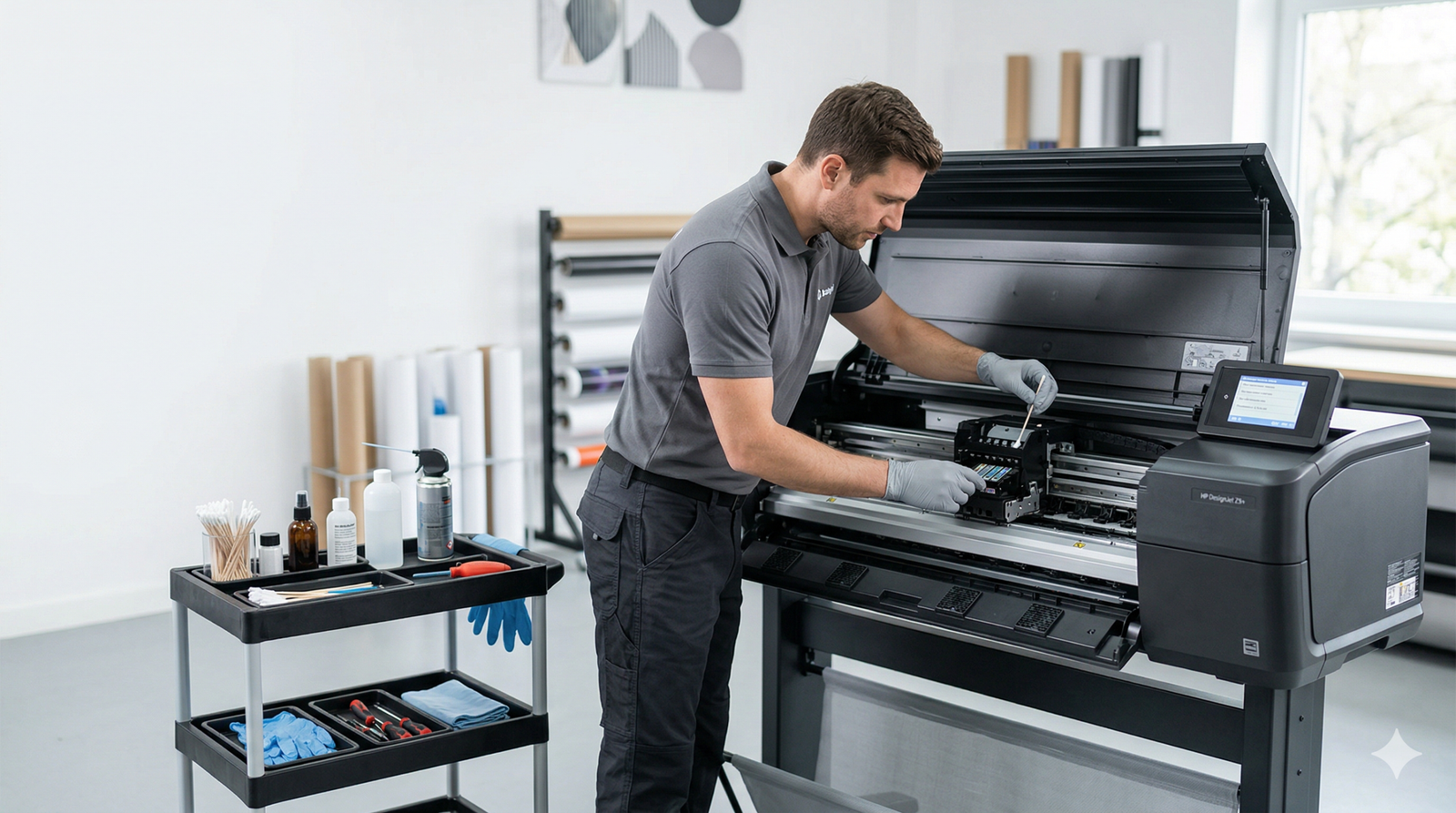
Large Format Printer Maintenance: Complete Guide for Longevity & Consistent Print Quality

Proper maintenance is critical to keeping your large format printer operating at peak performance and delivering reliable, high-quality prints. Regular upkeep prevents common issues like clogged nozzles, streaking, color shifts, and unexpected downtime, while also extending the overall service life of your equipment.
Dust, debris, and dried ink are among the most common causes of degraded print quality. Over time, these contaminants build up on print heads, feed rollers, and internal components, leading to costly disruptions. Following manufacturer-recommended cleaning procedures and using approved cleaning supplies will help you avoid preventable damage. Special attention should be paid to print head health, as blocked nozzles directly impact clarity, color consistency, and production efficiency.
Regular Cleaning to Preserve Print Performance
Frequent cleaning is the foundation of effective large format printer maintenance. Accumulated ink residue, dust, and lint can interfere with ink flow and media handling, resulting in smudges, banding, or misprinted output.
- Use only lint-free cloths and manufacturer-approved cleaning solutions
- Clean print heads, capping stations, and wiper blades on a consistent schedule
- Perform manual or automated print head cleanings weekly to prevent clogging
- Avoid harsh chemicals, tap water, or abrasive materials that may damage components
Alignment and Calibration for Precision Output
Misaligned print heads or incorrect color calibration will lead to blurry edges, ghosting, and inaccurate color reproduction. Most large format systems include built-in tools to restore proper alignment and color balance.
- Run print head alignment checks after replacing ink cartridges or print heads
- Perform nozzle checks to identify weak or inactive nozzles early
- Calibrate color profiles to maintain consistency across different media types
- Recalibrate after firmware updates or extended periods of heavy use
Keep Firmware and Software Up to Date
Printer manufacturers regularly release firmware, driver, and RIP software updates to improve stability, fix bugs, boost speed, and expand media compatibility. Outdated software can lead to compatibility errors, reduced efficiency, and inconsistent print results.
- Check the manufacturer’s support site for official firmware updates
- Update printer drivers to match your operating system
- Maintain current versions of RIP software for color management and workflow control
- Install updates during off-hours to avoid interrupting active production
Maintain a Stable Operating Environment
Large format printers are highly sensitive to changes in temperature and humidity. Unstable environmental conditions can cause ink bleeding, media warping, static electricity, or premature ink drying.
- Keep the workspace at a consistent temperature between 60–75°F (15–24°C)
- Maintain relative humidity at 40–60% for ideal printing conditions
- Avoid placement near open windows, direct sunlight, heaters, or air vents
- Use humidifiers or dehumidifiers to regulate climate conditions when needed
Proper Ink and Media Management
Ink and media quality directly affect output reliability and print head lifespan. Poor handling of consumables often leads to avoidable malfunctions.
- Monitor ink levels regularly to prevent running empty during production
- Use high-quality, compatible inks that meet manufacturer specifications
- Store media in a cool, dry area to prevent curling, moisture damage, or dust buildup
- Load media correctly with proper tension to reduce skewing, jams, and feeding errors
Inspect and Replace Wearable Components
Mechanical parts such as feed rollers, belts, and pinch rollers degrade over time. Worn components can cause inconsistent media movement, unusual noises, or alignment issues.
- Inspect rollers and belts monthly for signs of wear or damage
- Clean feed rollers to maintain consistent paper handling
- Replace worn parts promptly to avoid additional stress on the printer
- Follow service guidelines for scheduled part replacement
Test Prints and Preventive Diagnostics
Regular test prints and system diagnostics help you detect issues before they impact full production runs.
- Print test patterns weekly to check for banding, gaps, or color irregularities
- Use built-in diagnostic tools to monitor system health
- Schedule full preventive maintenance cycles monthly or as recommended by the manufacturer
- Document maintenance activities for better troubleshooting and long-term tracking
Conclusion
A large format printer represents a significant investment, and consistent maintenance is the best way to protect that investment. A structured maintenance routine reduces repair costs, minimizes unplanned downtime, preserves print quality, and maximizes the operational life of your equipment. By prioritizing cleaning, calibration, software updates, environmental control, and careful consumable management, you ensure stable performance and dependable output for years to come.