
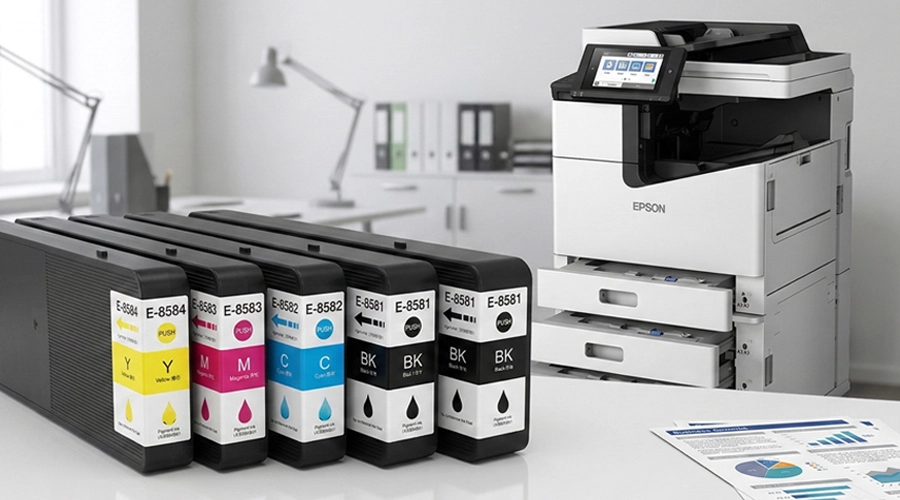
Printer Ink & Cartridge Guide: FAQs, Maintenance & Troubleshooting

Why Is Printer Ink So Expensive?
A widespread misconception among users is that printer ink must always come with a high price tag. In reality, premium-quality photos and daily documents can be perfectly produced with budget-friendly compatible and remanufactured ink solutions. Reliable remanufactured and aftermarket compatible inks are widely available on the market, backed by thousands of positive customer reviews that prove stable performance and outstanding output quality.
How to Check Printer Ink or Toner Levels
Users can monitor remaining ink and toner volumes through two simple, practical methods.
Method 1: Check via Computer Control Panel
- Access the Control Panel on your Windows device
- Locate and open the Devices and Printers menu
- Right-click your target printer icon
- Navigate to the properties tab to view real-time ink and toner level status
Method 2: Check Directly on the Printer
- Ensure your printing device is fully powered on
- Press the menu button to enter device settings
- Select status or report options from the menu list
- Print a status report to check accurate ink and toner remaining levels
How to Remove Printer Ink From Skin
It’s quite common to get ink residue on hands and skin while replacing cartridges or handling printer supplies. Fortunately, fresh ink stains can be removed easily with daily household items.
Dabbing a small amount of tea tree oil onto a clean cloth and gently rubbing the stained area delivers fast cleaning results.
If tea tree oil is unavailable, isopropyl rubbing alcohol or baby oil work as effective alternatives. Additionally, regular hairspray can break down ink pigments efficiently. Simply spray hairspray over the stain, leave it to dissolve for several minutes, then rinse thoroughly with clean water.
How to Clean Clogged or Dirty Ink Cartridges
Blurry prints, smudged graphics and faded output are often caused by dirty or contaminated ink cartridges. Regular manual cleaning can effectively solve these common issues.
First, remove all ink cartridges from the printer. Wipe the outer surface of each cartridge with a paper towel dampened with isopropyl alcohol to wipe away residual ink and dust.
Next, use a slightly moist cotton swab to gently clean the printhead surface. Then carefully wipe the delicate circuit contact strips on each cartridge.
Place cleaned cartridges aside for a few minutes to air dry completely and eliminate excess moisture. Finish with a dry soft cotton swab for final dust and residue removal before reinstallation.
How to Fix “Cartridge Not Recognized” Error
If your printer shows a cartridge recognition failure, a quick power cycle is the first recommended solution: power off the device completely, wait 30 seconds, then restart it.
If the error persists, improper cartridge installation is usually the main cause. Power off the printer, take out all cartridges one by one, then reinsert them firmly until you hear a clear click sound, which confirms correct seating and contact.
If the problem continues after reinstallation, contact professional customer support for further troubleshooting.
What Is Page Yield?
Page yield refers to the estimated total number of pages that a single ink or toner cartridge can print under standard ideal operating conditions.
Multiple real-world factors influence actual page yield, including individual ink consumption settings, color printing frequency, and overall page coverage ratio.
Printer manufacturers adopt a unified 5% page coverage standard for yield testing and data marking. Under this testing rule, only 5% of each page is covered by ink content, allowing brands to calculate standardized printable page numbers for reference.
What Is ISO Page Yield?
The International Organization for Standardization (ISO) has developed unified global testing standards to ensure fair and consistent page yield data across different printer models and cartridge types.
The ISO/IEC 19752 standard applies specifically to monochrome black toner and ink cartridges, while ISO/IEC 19798 covers standardized yield testing for color printer consumables. These universal norms avoid data confusion and help users compare product costs accurately.
What Is Ink Capacity?
Printing cartridges come in two mainstream specifications: standard capacity and high capacity.
Standard-capacity cartridges feature lower upfront costs but contain less ink volume. High-capacity cartridges cost more initially yet deliver far more printed pages.
For long-term commercial and office use, high-capacity ink cartridges provide better cost performance, effectively reducing average printing cost per page.
Different Cartridge Types Explained
Three mainstream cartridge types serve daily printing needs: remanufactured units, compatible aftermarket cartridges, and original OEM cartridges.
- Remanufactured cartridges: Recycled original cartridge shells that undergo deep professional cleaning, component replacement (such as new smart chips and contact points), and full refilling with fresh ink.
- Compatible cartridges: Brand-new independently produced units, strictly manufactured to match original printer specifications, size and working parameters.
- OEM cartridges: Official original supplies produced and sold directly by the original printer brand manufacturers.
Will Third-Party Cartridges Void Printer Warranty?
Using remanufactured and compatible aftermarket ink cartridges will not invalidate your original printer manufacturer warranty. Users can safely adopt cost-effective alternative printing supplies without worrying about warranty restrictions.